
Security
AI on the front desk: what video analytics can (and can't) do for residential buildings
Tailgating, propped doors, after-hours alerts: what AI video analytics really deliver in condos, where they fall short, and the Canadian privacy limits.
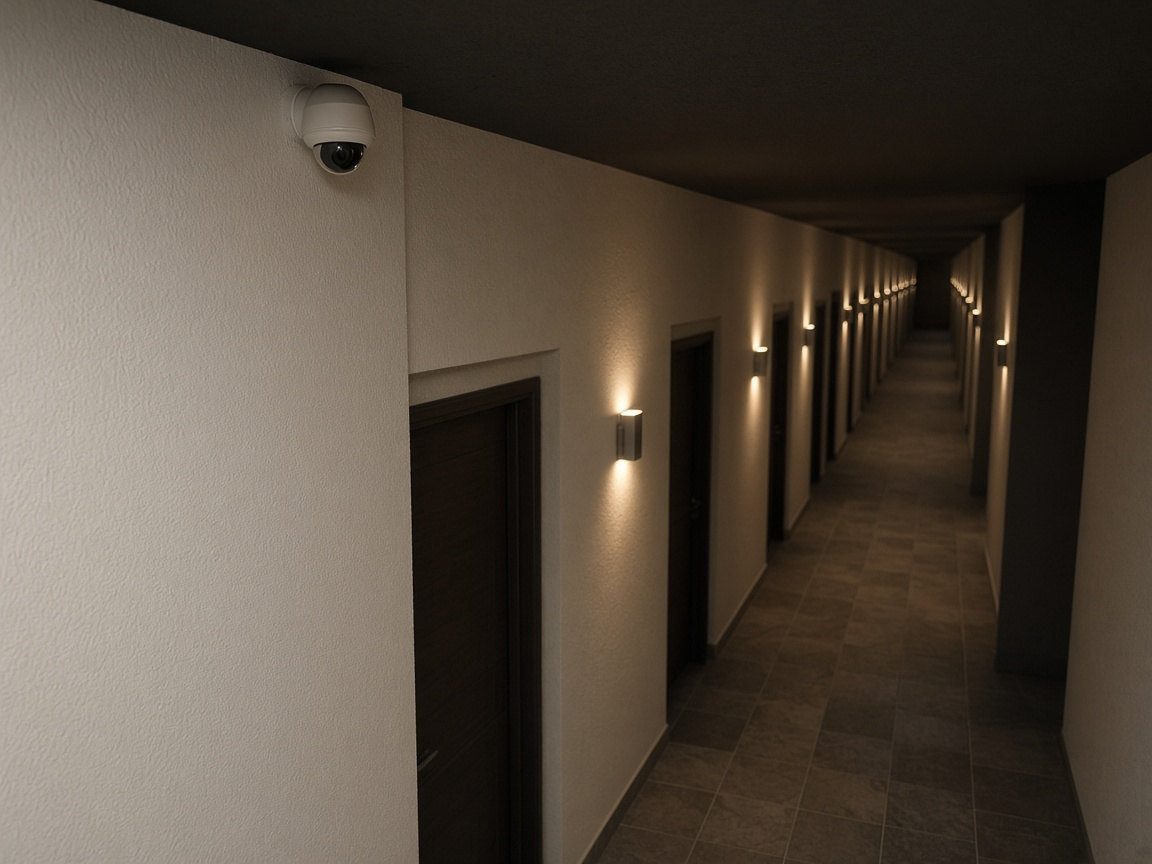
Most residential buildings already have the hardware for AI video analytics: dozens of cameras recording around the clock that nobody watches until something goes wrong. The pitch is simple. Let software watch the feeds, and have a person look only when something worth seeing happens.
Some of that pitch holds up and some of it doesn't. Here is what the technology does well in condos and rental buildings today, where it still struggles, and what a board should settle before switching it on.
The problem it's meant to solve
Tailgating and propped doors are not just condo complaints. In an ASIS International survey of 942 security professionals published in September 2026, four in five said they wanted to improve how their organization handles tailgating and piggybacking, and more than two-thirds said the same about propped doors or false alarms. Those respondents mostly work in corporate security, not residential, but anyone who has managed a lobby will recognize the list.
A building with 40 cameras and one concierge cannot watch 40 screens. Analytics are an attempt to close that gap.
What AI analytics do well today
Event-based alerts at doors. The strongest use is pairing a camera with a door. When the access system logs one credential and the camera counts two people coming through, that is a tailgating event. When a door contact reads "open" for three minutes and the camera shows nobody there, that is a propped door. Either event can raise an alert with a short clip attached instead of a raw alarm.
After-hours activity in places that should be empty. A person in the parking garage at 3 a.m. may be normal. A person in the roof mechanical room at 3 a.m. usually isn't. Rules based on zone and time are where analytics cut the most noise.
Faster searches after the fact. Investigations take hours when someone has to scrub through footage. Searching by attribute ("person with a red jacket, lobby, Tuesday evening") or jumping to every door event in a time window can turn an afternoon into minutes.
Filtering out false alarms. The newest products put a reasoning layer between the camera and the operator. Video vendors are now adding vision-language models to screen out false alarms before an operator sees them, and running the analysis on edge devices on site rather than in a distant data centre.
What they still can't do
Judge intent. Software can see that two people walked through on one fob swipe. It can't tell a resident holding the door for a neighbour with groceries from a stranger slipping in behind them. Every alert still needs a human decision and a building policy about what happens next.
Work around bad cameras. Analytics are only as good as the image. Glare in a glass lobby, a garage camera pointed into headlights, or a lens nobody has cleaned since 2019 will produce missed events and phantom ones. Expect a tuning period, and budget for repositioning or replacing some cameras.
Replace staffing on their own. An alert at 2 a.m. with nobody to receive it is just a log entry. Before you buy, decide who gets alerts after hours: the concierge, a remote monitoring centre, or an on-call manager.
The Canadian privacy line
Condo corporations and landlords that use cameras are collecting personal information, and Canadian regulators have been consistent about where the limits are.
The federal Privacy Commissioner's guidelines for overt video surveillance set out ten steps. Among them: consider less intrusive alternatives first, have a written policy, limit camera views, post notices, keep footage secure, delete it when it's no longer needed, and review periodically whether you still need the surveillance. Under PIPEDA and the Alberta and B.C. private-sector laws, the guidelines note, the rules apply even if nothing is recorded.
The Commissioner's office has also ruled on a residential case. In a 2010 apartment-building investigation, it found cameras justified by a documented history of break-ins, but hallway cameras could see inside units when doors were open. The landlord agreed to move them into the stairwells. Analytics don't change that principle. An algorithm watching a hallway camera is still a camera watching residents' front doors.
Facial recognition is a different category. In 2023, B.C.'s privacy commissioner found that four Canadian Tire stores broke provincial privacy law by using facial recognition without proper notice, consent or a demonstrated reasonable purpose. In Quebec, an organization that creates a database of biometric characteristics must disclose it to the Commission d'accès à l'information at least 60 days before it goes into service, and the regulator has ordered a company to stop using facial recognition for building access. Users are uneasy too: in HID's 2026 State of Security and Identity Report, 67% of end users said they had high or moderate concerns about the ethics and privacy of biometrics, up from 31% a year earlier.
For most residential buildings the practical answer is to use analytics that detect events (a door held, a person in a restricted zone, a vehicle going the wrong way) and leave identification to the access control system residents already consented to.
Where the analytics should run
This is where architecture matters more than features.
Cloud-only analytics stream video to a vendor's data centre. They're quick to deploy and easy to update. The trade-offs are that your building's footage lives off site, every camera uses upstream bandwidth, and if the internet connection drops, so do the alerts.
On-site or hybrid analytics process video on a server or appliance in the building and send only events, clips and health data to the cloud for remote viewing. Footage stays in the building by default, which makes the privacy commissioner's "limit and secure" principles easier to meet. Alerts keep working during an outage. The cost is hardware that someone has to maintain and replace.
There's a quieter argument too. A tailgating alert is only useful if the video system knows which credential was just presented at which door. When cameras, access control and the resident database share one platform and one database, that link is native and every event lands in one audit trail. When they come from three vendors, the link is an integration that someone has to build, maintain and debug after every software update. Many of the "AI doesn't work" stories we hear trace back to that seam, not to the AI.
Patchwork can work. Plenty of buildings run good analytics on top of separate systems. But if you're replacing cameras or access control anyway, it's worth pricing an integrated option alongside a like-for-like swap.
What this means for your building
- Start with two or three problems you can name. Propped doors at the garage entrance, tailgating at the lobby, after-hours activity in the bike room. Don't buy "AI" in general.
- Fix the cameras first. Repositioning and cleaning cost less than any software licence and help every downstream feature.
- Decide who answers the alerts before go-live, including overnight.
- Update your video surveillance policy to cover analytics: what's detected, who sees alerts, how long clips are kept and who can request them.
- Leave facial recognition out unless you've had legal advice and can show a specific, documented need. In Quebec, add the 60-day disclosure to your timeline.
Questions to ask your vendor
- Where does the video analysis run: on a device in our building, in your cloud, or both? What keeps working if our internet goes down?
- Does an alert link automatically to the access event (which fob, which door, which resident record), or is that a separate integration?
- Can we run a pilot on our own cameras for at least two weeks and see the false-alarm and missed-event counts?
- Where is our footage stored, for how long by default, and who at your company can access it?
- Is any feature using facial recognition or biometric templates, and can it be fully turned off?
- What happens to our data and our alert history if we leave?
AI video analytics are a real step up from cameras nobody watches. They work best as part of a system that already knows who belongs where, running close to the building it protects, with a human making the final call.