Operations
Cloud vs on-site vs hybrid: what happens when the internet drops
"Cloud" is not a reliability strategy. The question is whether the door, the garage and the elevator still work when the wide-area connection fails.
Every building-technology pitch now includes a slide about the cloud. The honest question for a board is more specific: if the wide-area connection fails at 8 p.m. on a Sunday, can residents still open the front door, park in the garage, and use the elevator?
The answer is not "cloud is risky" or "on-site is old-fashioned." It depends on where the decision is actually made, what is cached at the door, and who is responsible for the server — whether that server is in your basement or in someone else's data centre.
Three architectures, in plain language
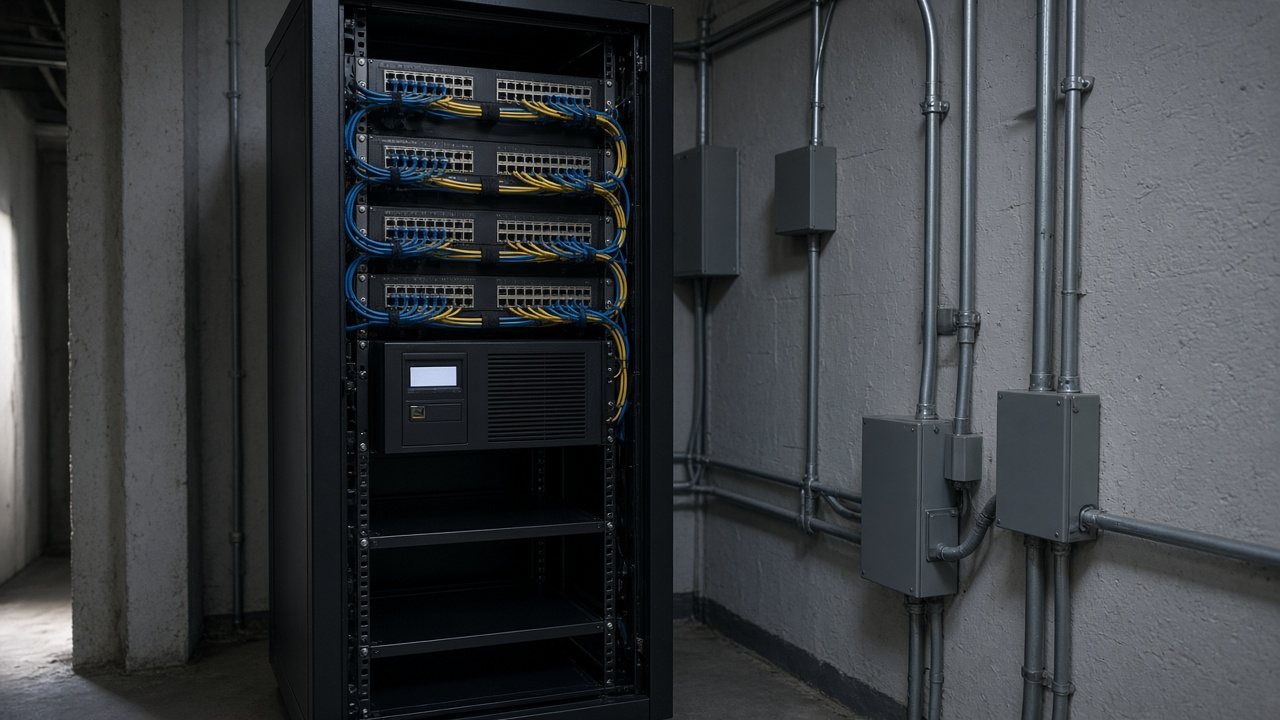
On-site means the controllers and a local server or panel in the building make the allow-or-deny decision. A superintendent can often still add a credential if they can reach that server, even if the internet is down. The trade-off is that you own the hardware, the updates, the backups and the failure modes. A neglected closet server is not more reliable than a well-run cloud service. It is only closer.
Cloud means the manufacturer's software, and often the decision itself, lives in a remote data centre. Management from a laptop or a phone is easier, and the vendor, not the superintendent, patches the application. The risk is concentration: if the building's internet, the vendor's platform, or the path between them fails, the doors do whatever the local controller was designed to do — which may be "keep the last known list," "fail locked," "fail unlocked," or "wait."
Hybrid is the arrangement most residential buildings actually want, even when the brochure says "cloud." Readers and door controllers keep a local credential cache or a small on-site appliance, so day-to-day entry survives an outage. Enrolment, video clip storage, visitor unlocks and reporting may still happen in the cloud. The important part is not the marketing word. It is the written description of what remains available offline, and for how long.
What you should test, not just ask
Have the installer disconnect the building's internet — or the controller's path to the cloud — during commissioning and walk the openings that matter: main lobby, garage, at least one stair or amenity door, and the elevator interface if you have one. Time how long cached credentials keep working. Confirm whether a new resident enrolled that afternoon can get in, or only people whose credentials were already stored at the door.
Test the intercom the same way. A video entry phone that cannot reach a resident's cell phone during an outage may still need a backup: a desk handset, a local directory, or a way for the fire panel and first responders to get in.
Video systems have a related failure mode. Cameras that record only in the cloud can lose footage during an outage unless there is local buffering. Cameras that record only on a local hard drive can lose footage when that drive fails. Ask where a clip lives for the first hour, the first day and the first month, and who can export it.
Data, not just uptime
Where the decision is made is also where a lot of personal information sits: names, credential numbers, door-by-door histories, visitor records, and sometimes video. A Canadian board should ask whether that data is stored in Canada, who the sub-processors are, and how a resident access request would be fulfilled. Those questions are not a reason to reject a U.S. or global vendor. They are a reason to read the data-processing terms instead of assuming the server closet is automatically more private. An unlocked cabinet in a shared electrical room is not a privacy strategy.
How to write this into the contract
- Require a statement, per opening, of behaviour during a wide-area outage, a vendor-platform outage, and a local power loss (with battery runtime).
- Require a commissioning test that demonstrates those behaviours, with a short report you keep.
- Require a credential cache duration, and a process for issuing a backup credential if the cloud enrolment path is down.
- Require data-export and contract-end terms that do not depend on the vendor's portal remaining available.
Cloud management can be an excellent way to run a building. It should not be the only thing standing between a resident and their front door.