
Access
A condo board's access-control checklist
Before you buy a new access system, inventory every opening, demand one identity record, and test what still works when the internet is down.
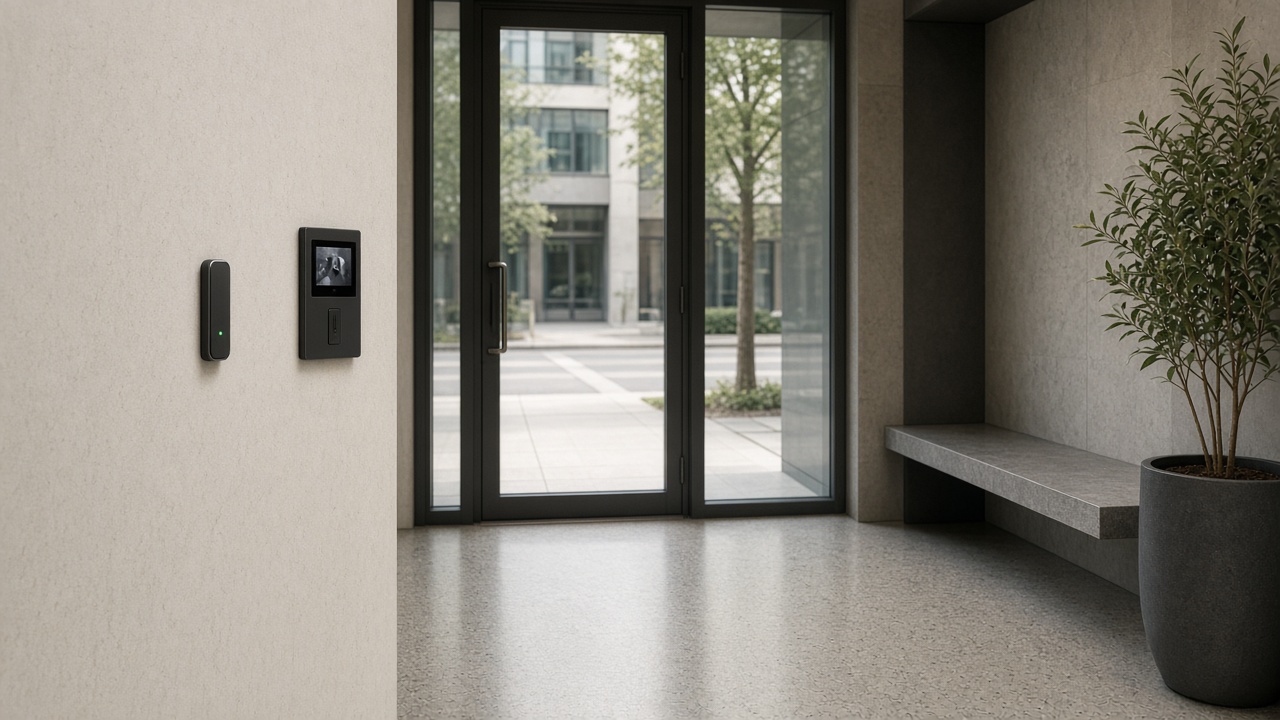
A new access system is easy to buy as a lobby upgrade and hard to live with as a twenty-year decision. The reader on the wall is only the visible piece. Behind it sit credentials, visitor workflows, elevator and garage doors, audit logs, and the question of what still works when the internet does not.
This checklist is for boards and managers who are writing a request for proposal, comparing two proposals, or realizing the current system was specified for a different building. It is not a substitute for a security design or legal advice. It is the set of questions that, in our experience, separate a system you can operate from one you will rip out early.
1. Write down every opening, not just the front door
Start with a door schedule. Include the main entrance, the loading dock, parking gates, stair towers, amenity rooms, the bike room, the mail room, the roof or mechanical rooms, and any suite or storage doors the corporation controls. Note whether each opening needs a reader, a request-to-exit device, a door contact, a camera, or an intercom.
Then map the people who use those openings: residents, occupants who are not owners, guests, trades, cleaners, couriers, staff, and first responders. If a vendor cannot tell you, in writing, how each group is enrolled, expired and audited, the proposal is incomplete.
2. Treat credentials as a program, not a product
Decide how a new resident gets a credential on moving day, how a lost fob is cancelled, how a contractor gets a time-limited pass, and what happens when a phone battery is dead. A mobile credential is convenient. It is not a plan if there is no backup card or fob, and no one on site who can issue one after 6 p.m.
Ask what technologies the reader actually supports — low-frequency proximity, a modern smart card, a wallet pass, or an open standard such as the Security Industry Association's Open Supervised Device Protocol (OSDP) or the Connectivity Standards Alliance's Aliro. Proprietary credentials can work well. They also make a future change of vendor more expensive.
3. Insist on one record of who is in the building
The most common failure in residential buildings is not a broken reader. It is three systems that each think they know who belongs. The intercom has one resident list, the door system has another, the elevator panel has a third, and the camera system cannot look any of them up. We have written about why that split matters. In a proposal, ask for a single identity record that can be created, changed and revoked once, and then honoured at every opening you listed in step 1.
If a bidder proposes "integrations" to keep those lists in sync, ask who is responsible when they drift, how often they sync, and what a superintendent does at 11 p.m. when they do not.
4. Ask what happens when the internet drops
Some cloud-managed systems cache enough information at the door to keep residents moving during an outage. Others need a live connection to decide. Neither approach is automatically wrong, but you should know which one you are buying, and you should test it. Have the installer pull the wide-area connection in a commissioning test and walk the main door, the garage, and at least one elevator or amenity door.
The same question applies to video intercoms and visitor unlocks. A system that cannot complete a resident-approved entry during an outage will generate a lobby full of people and a board complaint by morning.
5. Demand logs you can actually use
A useful access system produces an audit trail: who presented a credential, at which door, at what time, and whether the door opened. It should be possible to export that history, to preserve it for an incident, and to limit who can view it. If the only way to get a report is to open a ticket with the vendor, you do not really have logs. You have a service desk.
Logs are personal information when they identify a resident. Store them securely, keep them no longer than your policy requires, and write down who is allowed to look.
6. Price the years after installation
Hardware is the visible invoice. The durable costs are credential stock, software licences, cellular or cloud fees, after-hours service, firmware updates, and the labour to keep the resident list accurate. Ask for a five-year cost of ownership, not a first-year equipment price. Ask what happens to your data, your credentials and your doors if the contract ends or the vendor is sold.
If two proposals look close on the equipment line and far apart on those operating questions, the cheaper bid is not cheaper.
A short list to attach to the RFP
- A complete door and elevator schedule, with offline behaviour stated for each opening.
- A written credential policy for residents, visitors, trades and staff, including a backup to the phone.
- One identity record across doors, intercoms, elevators and parking, or a named party responsible for keeping them identical.
- Exportable audit logs and a privacy policy for them.
- A commissioning test that includes a simulated internet outage.
- Five-year licence, support and credential costs, plus assignment and data-return terms if the vendor changes hands.
Boards that work through this list still have to choose a vendor. They are much less likely to choose one they cannot live with.